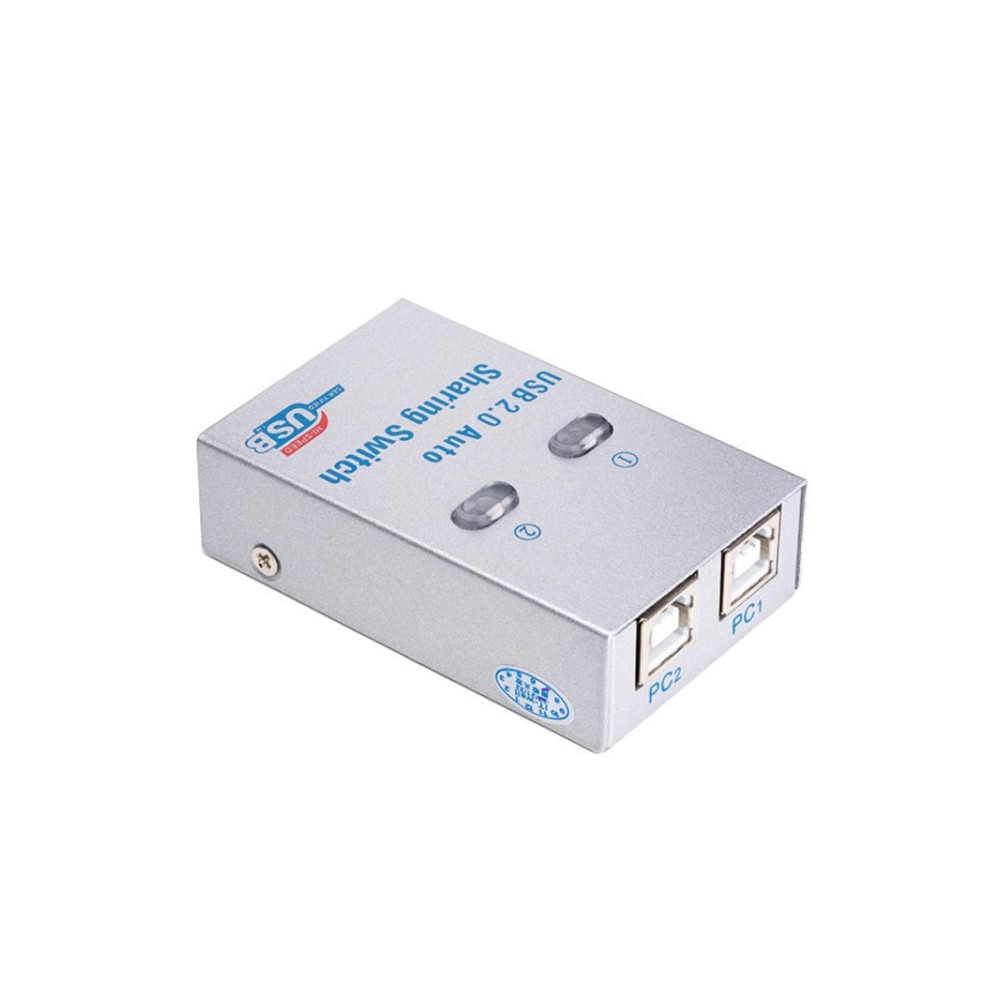

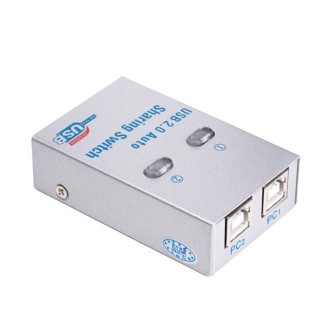
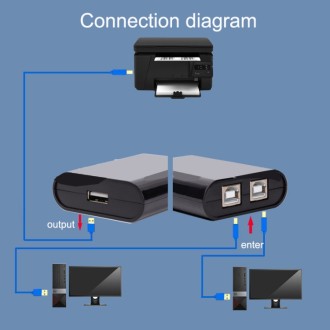
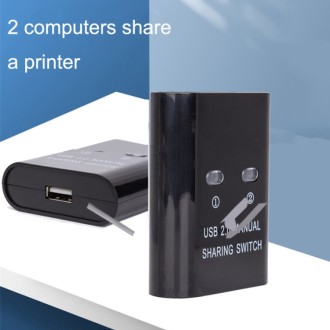
1. USB sharing switch allows two computers to share one printer or another compatible USB device without repeatedly disconnecting and reconnecting cables.
2. Three switching methods: physical button on the device, keyboard hotkey or computer software.
3. Suitable for various USB devices, including printers, scanners, USB flash drives and card readers.
4. LED status indicator shows which computer is currently connected to the shared USB device.
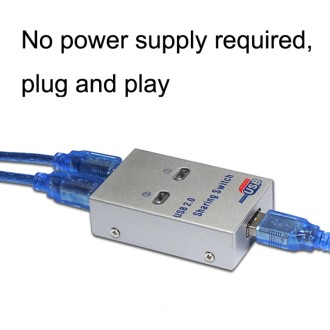
5. Plug & Play operation – no external power supply required.
6. Interfaces: 1 x USB-A female port for the shared USB device and 2 x USB-B ports for connection to computers.
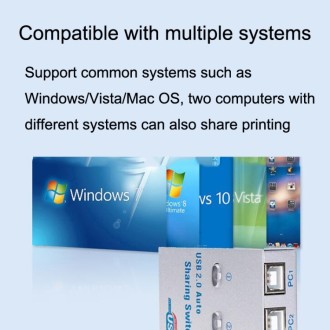
7. Compatible with multiple operating systems.
8. Compact dimensions: 65 x 40 x 17 mm.
9. Status indicator: Green – the printer/device is connected to the selected computer and ready for use. Yellow – the printer/device is connected to the other computer and must be switched before use. Red – data transmission is in progress or a software conflict has occurred.
10. For stable operation, use good-quality USB cables. A shorter cable between the printer and the switch is recommended.
11. Recommended total USB cable length should not exceed 5 m. For some printers, cables up to 3 m are recommended for the most stable connection.
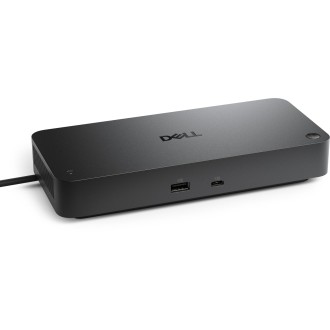
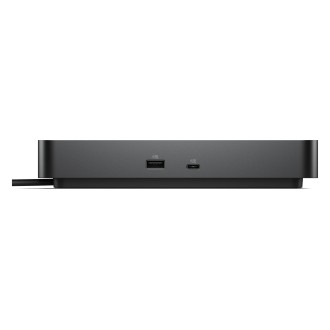
Docking station DELL SD25TB4 (210-BRFL), Black
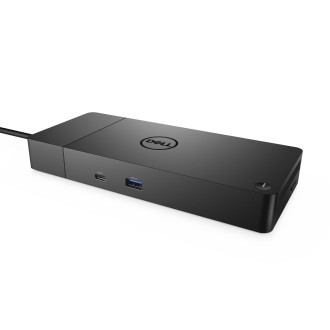
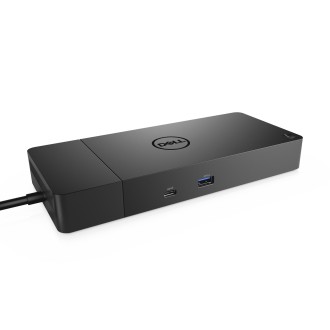
Docking station DELL WD19S180W (210-AZBU), Black
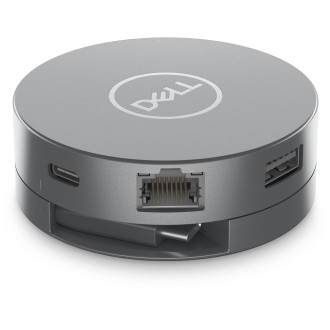
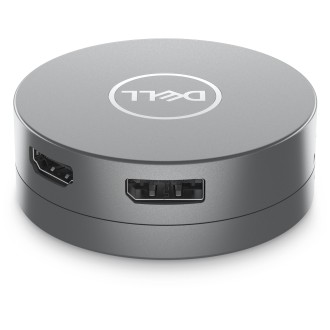
Docking station DELL DA305 (470-AFKL), Silver